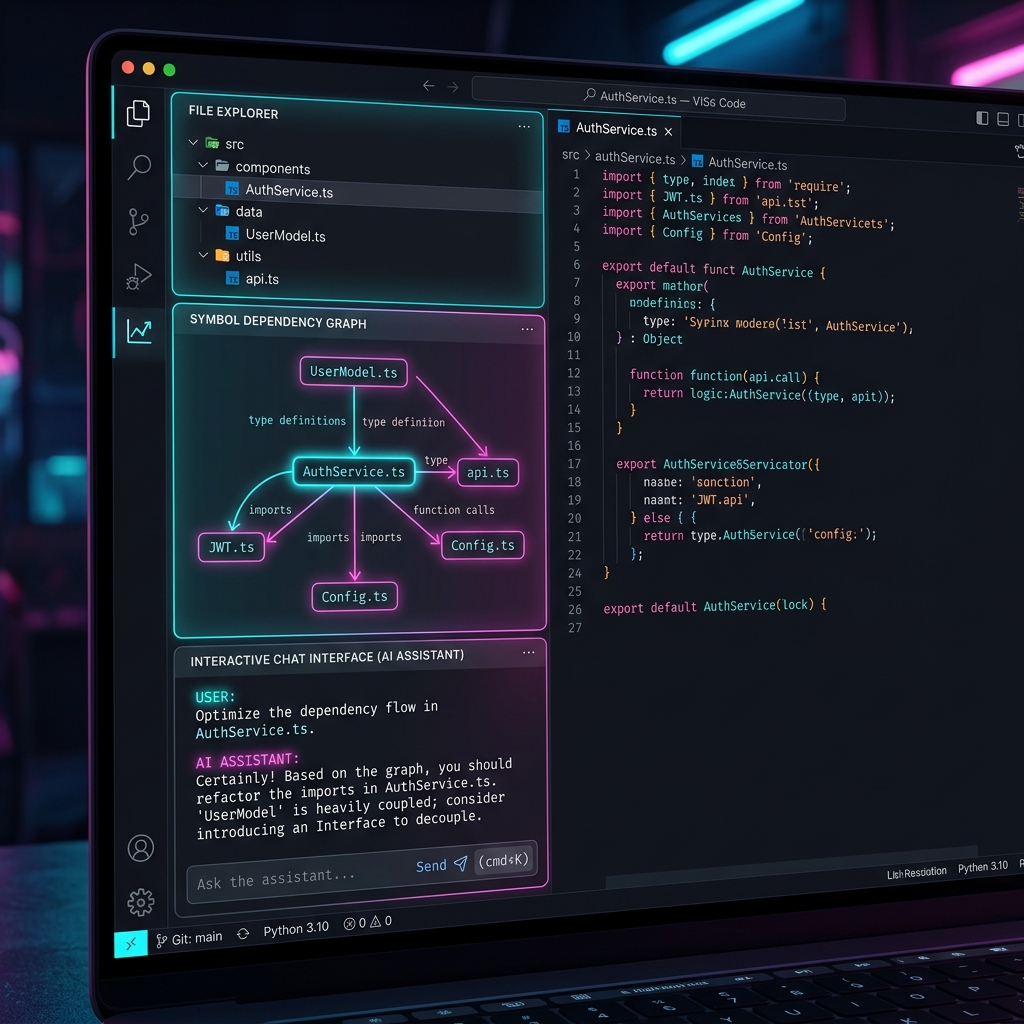
comP is the memory system for your AI coding assistant. It automatically builds a project map and index so your AI finds the relevant code instantly—without searching around. Open-source, 100% local.

Runs 100% locally on your machine, cutting input tokens by 60–94% on code investigation and fix tasks.
Accurately tokenizes and searches through Markdown, code, Office documents (Word, Excel, PowerPoint), PDF, and Parquet (.parquet) files to deliver precise full-text keyword matching.
The lightweight Rust backend builds a SQLite-powered semantic code graph for thousands of files, ensuring near-instant response times for AI agents.
Keeps parsing and indexing even if some documents are corrupted. Ensures crash-free, reliable workspace scans.
Automatically indexes sheet names in Excel (.xlsx), slide contents in PowerPoint (.pptx), Word documents (.docx), PDFs, and Parquet (.parquet) schema metadata to capture all non-code context.
Starts with a single click from the sidebar and watches workspace changes to keep indexes incrementally updated with 'stale' status tracking.
Generates Model Context Protocol (MCP) server configuration for Claude Code, Cursor, Cline, Windsurf, GitHub Copilot, and other major AI agents.
When you need to paste large API definitions or classes into a chat, compress the file with AST compression (comments removed, function bodies skeletonized) in one command to copy to your clipboard.
Furthermore, use @comp Chat Participant via VSCode Chat Participant API to automatically compress attached files for LLM prompts, dodging token limits and reducing costs by up to 80%.
comP's impact depends heavily on your use case. Here's an honest breakdown, no exaggeration.
60–94% reduction. "Read everything or grep blindly" is replaced by "pull only the relevant spots from the index."
Large reduction. get_impact_graph mechanically enumerates downstream effects from the dependency graph—no more AI guesswork.
Large reduction. Re-explaining and re-investigating context collapses into one session_recall call.
~20–40%. Reading everything was already cheap, so there's less room to save.
Looking only at the token-reduction percentage understates the real impact. Traditionally: explore → read the wrong file → implement on a wrong assumption → test fails → re-explore → re-implement—each failed loop burns thousands of tokens.
With comP, run_pipeline surfaces the right related code up front, leaving less room for wrong assumptions—so retries become rare in the first place. comP doesn't just reduce tokens per call, it reduces the number of calls itself. Cheaper models get lost while exploring more easily, so the cheaper the model, the bigger comP's benefit.
comP continues to evolve to deliver a more comprehensive local AI workspace experience.
30+ programming languages support, JSON/XML/Markdown parsing, background indexing, MCP server integration, and token usage statistics.
✅ ReleasedWord (.docx), PowerPoint (.pptx), and Excel (.xlsx) automatic extraction and indexing. BM25 full-text search capability, and symbol signature persistence.
✅ ReleasedPDF (.pdf) indexing, advanced impact analysis (max_depth), TF-IDF wired to run_pipeline, multi-path indexing, and AST compression for get_symbol.
run_pipeline content mode returns compressed file content inline. New get_git_diff_context tool for PR review. Enhanced get_project_overview with language distribution.
Implement a command to copy active file with AST compression (comments removed/skeletonized). Enable @comp Chat Participant via VSCode Chat Participant API to automatically compress attached files for LLM queries. Add support for automatic indexing and BM25 search of Parquet (.parquet) files.
run_pipeline now reads default_budget_tokens from .comp/config.json and automatically selects compression level 0→1→2 to fit within the budget. Response includes compression_level_applied and budget_adjusted flags.
Per-extension compression rules in .comp/config.json (e.g. keep Markdown uncompressed, fully skeleton Rust files). Aider agent support via .aider.conf.yml. New comP: Export Debug Log command to inspect session memory. Token visualization state bug fixes.
Switched the walker to the ripgrep ignore crate so excluded directories like .venv and node_modules are pruned subtree-wide — large Python repos no longer time out on Force Re-index. Adds the .comp/ignore file, comp.exclude setting, a 5 MiB file-size skip, and a large-workspace warning. workspace_root is now centralised in daemon state.
Chat history that survives session breaks and daemon restarts — impossible with stock LLM features. New session_log / session_recall MCP tools persist requests and outcomes to .comp/history/, a Stop hook records interactions automatically, and the history is BM25-indexed so run_pipeline surfaces past work naturally. v0.9.1 adds Markdown compression and C / C++ / Java AST compression.
run_pipeline now returns related_files — files one dependency hop from the pivots, ranked by edge count. Token estimates are based on real indexed file sizes instead of symbol-count heuristics. The daemon self-reports its version via get_stats to detect stale binaries, Generate Context / Show Impact Graph commands are fully implemented, and a bug that silently dropped hook-recorded history from session_recall is fixed.
Get up and running with comP in three easy steps.
Download the release .vsix file and drag-and-drop it into VSCode, or install via command line:
code --install-extension comP-0.9.2.vsix
Open your workspace folder and click "Start comP" from the sidebar to launch the local backend indexer and begin scanning.
Open the Command Palette → comP: Setup Agents and select your agent. comP will open a new Markdown tab with step-by-step instructions and automatically generated LLM prompts to easily set up your agent. You can also verify the agent's connection status directly in the comP sidebar.
claude mcp add comp command. If you miss it, use the path from .comp/config/claude_desktop_config.json~/.cursor/mcp.json or .cursor/mcp.json~/.codeium/windsurf/mcp_config.json.vscode/mcp.json automatically~/.gemini/antigravity-ide/mcp_config.json automatically.aider.conf.yml in your workspace root automatically